Mapping Telerik UI Kit Variables to ThemeBuilder Automatically
Environment
| Product | ThemeBuilder | Telerik UI Kit |
|---|---|---|
| Version | Q1 2025 and above | 3.2.0 and above |
Description
When working with the Telerik & Kendo UI Kit, you might need to change the color of a variable, such as $app-surface. This knowledge base article guides you through the process of automatically mapping these variables from Figma to Progress® ThemeBuilder. The procedure described ensures that the variables from the Telerik UI Kit are correctly imported and mapped to ThemeBuilder, facilitating a seamless theming experience across your projects.
This knowledge-base article also answers the following questions:
- How do you export and map Figma Telerik UI kit variables to ThemeBuilder for a consistent theme?
- How do we ensure Figma Telerik UI kit changes are reflected in ThemeBuilder?
Solution
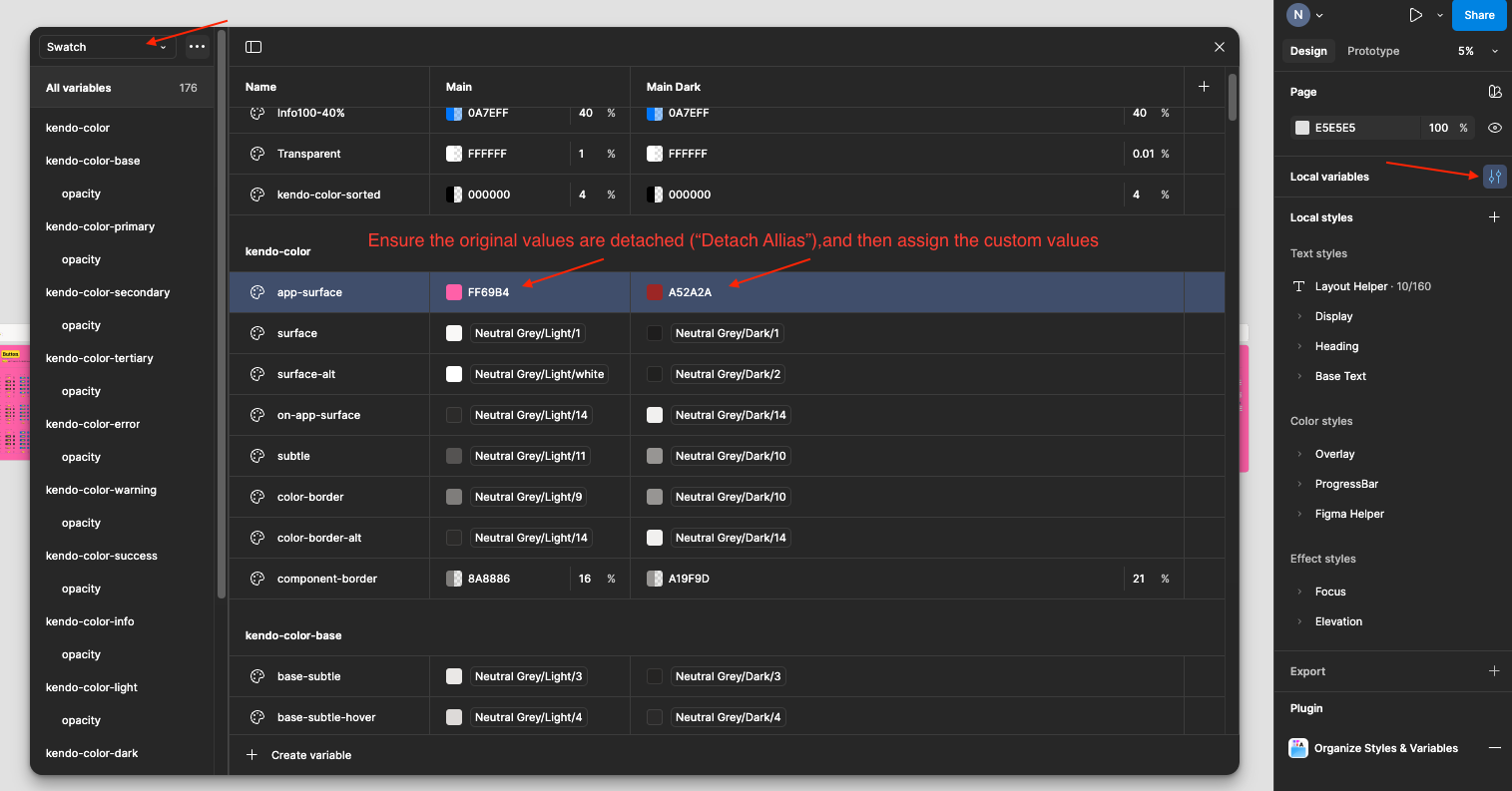
For this demonstration, let's assume you are working with the MS Fluent Telerik & Kendo UI Kit version 2.2 and want to change the color of the $app-surface variable. First, locate the variable in the "Local Variables" pane in Figma. Then, detach the original value and assign a new custom value.
To automatically map Telerik UI Kit variables to ThemeBuilder, follow these steps:
Create a ThemeBuilder project using the Kendo theme, ensuring it matches the version of your UI Kit, for example, Q1 2025.
-
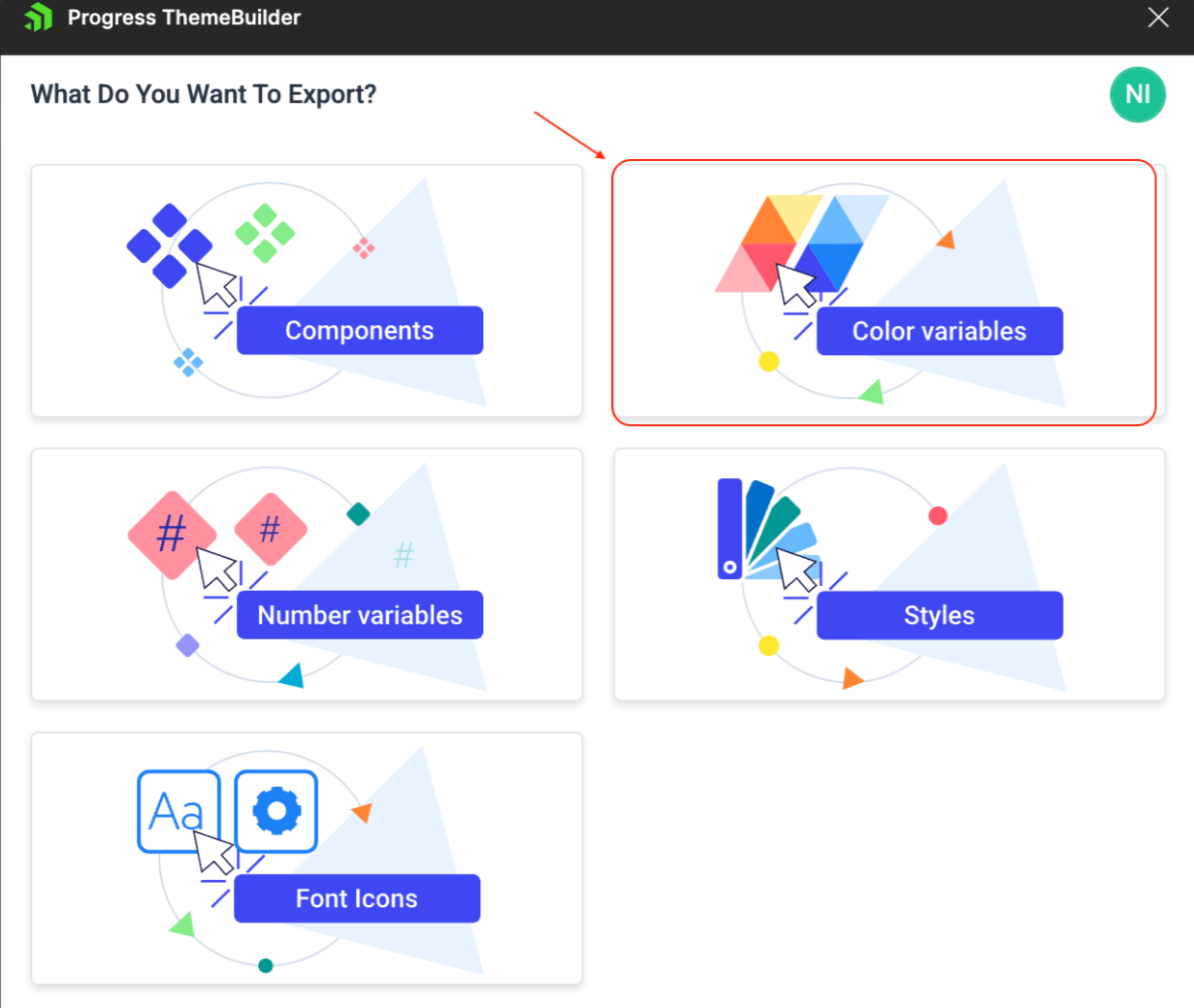
In Figma, open the ThemeBuilder plugin and select the option to export "Color Variables". Choose the ThemeBuilder project you wish to target for the variable import and mapping.
-
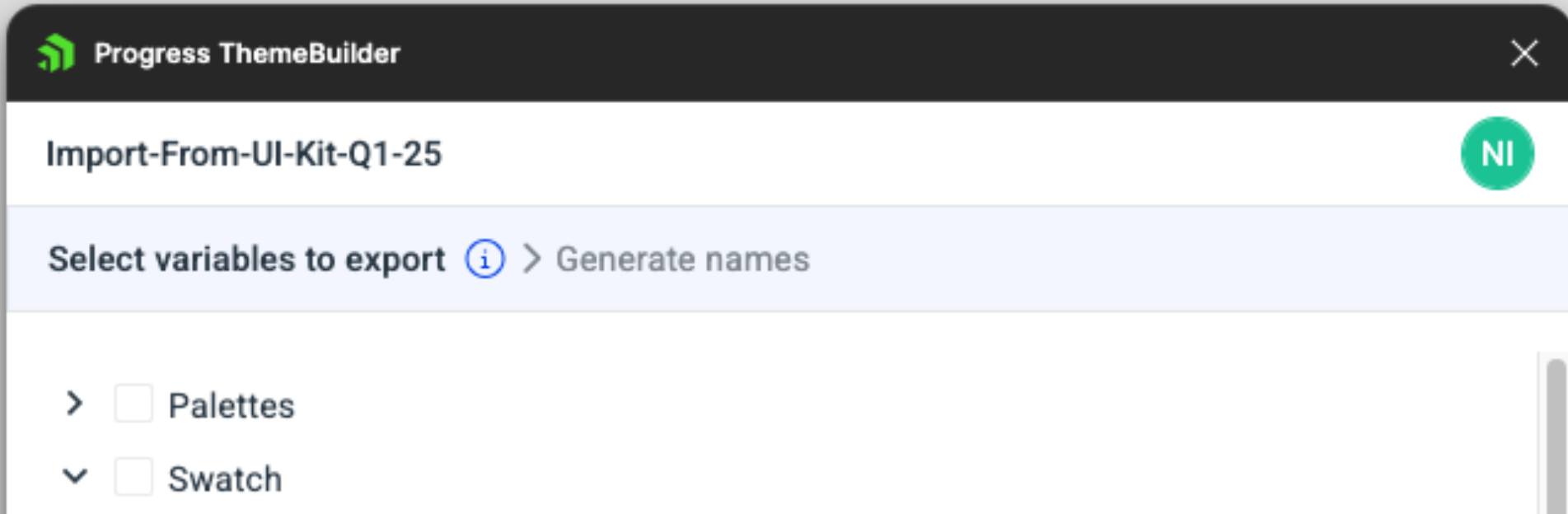
In the plugin, deselect all variables first by unchecking "Swatch", followed by "Palette". It's crucial to deselect them in this order to avoid including any linked variables unintentionally.
-
Expand the "Swatch" dropdown, scroll to the section labeled "kendo-color", and select the modified variables, like
$app-surface.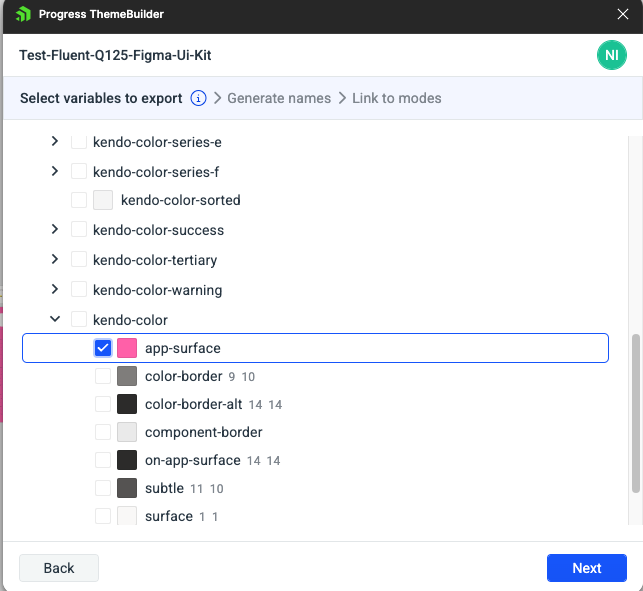
-
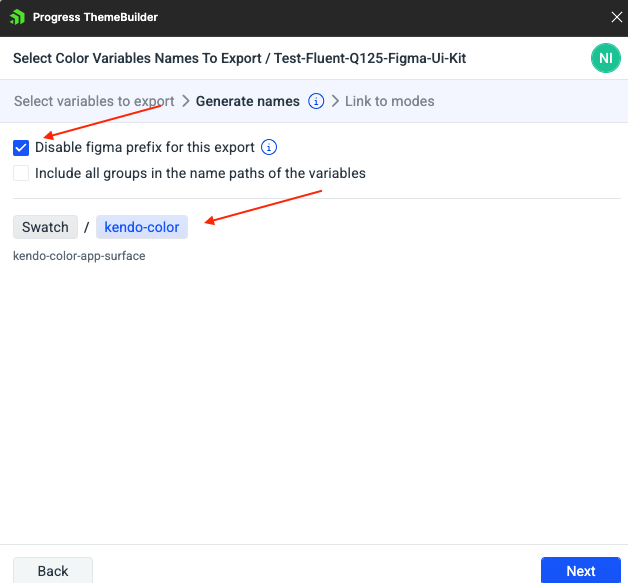
Proceed with the following actions:
- Enable "Disable Figma prefix for this export" to ensure the variables merge correctly in ThemeBuilder, matching the existing Kendo variable names.
- Click on the variable group name, "kendo-color", to rename the exported variables to align with the Kendo Theme variables for automatic mapping in ThemeBuilder.
-
Finally, create and map the color modes corresponding to the UI Kit's multiple color modes, where each variable has unique values per mode.
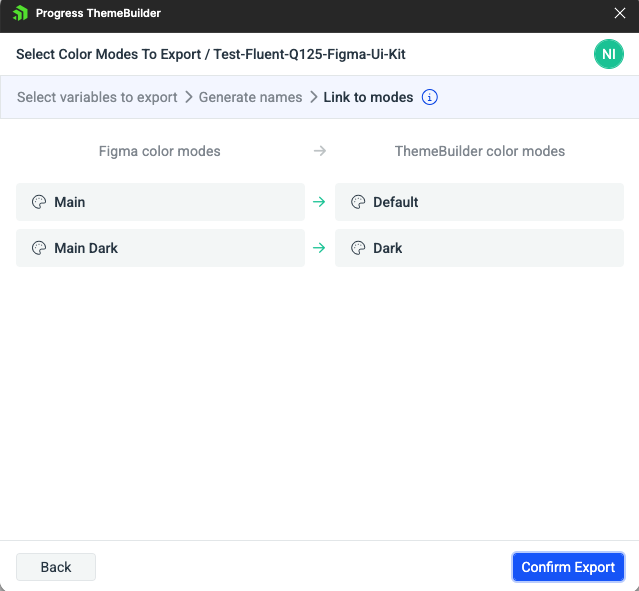
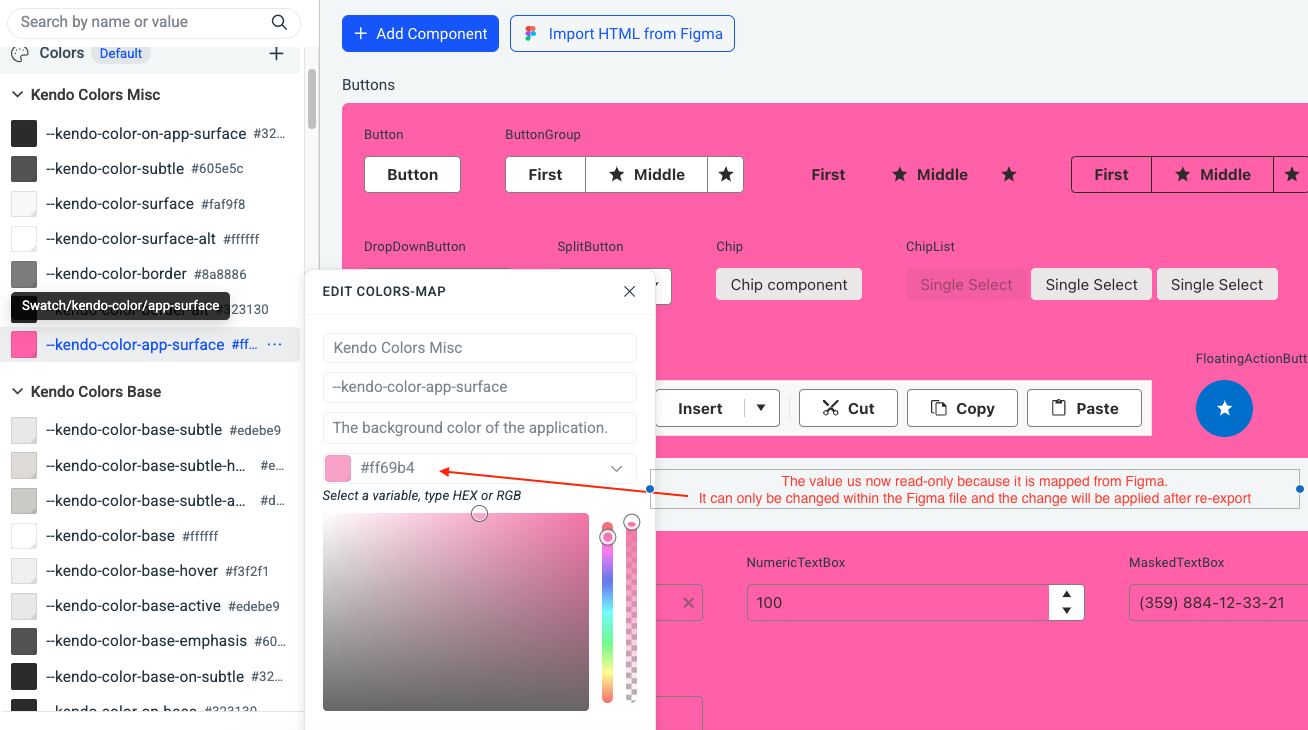
After exporting, reload your ThemeBuilder project to see the changes. The mapped variables, such as $kendo-color-app-surface, will become read-only in ThemeBuilder. Any future changes to these variables in Figma will automatically update the corresponding variables in ThemeBuilder upon re-export. This process allows Figma to serve as the single source of truth for theme modifications.