Resolving Letters Being Cut Off in Web Report Viewers
Environment
| Product | Reporting |
| Viewer | Web Report Viewers |
Description
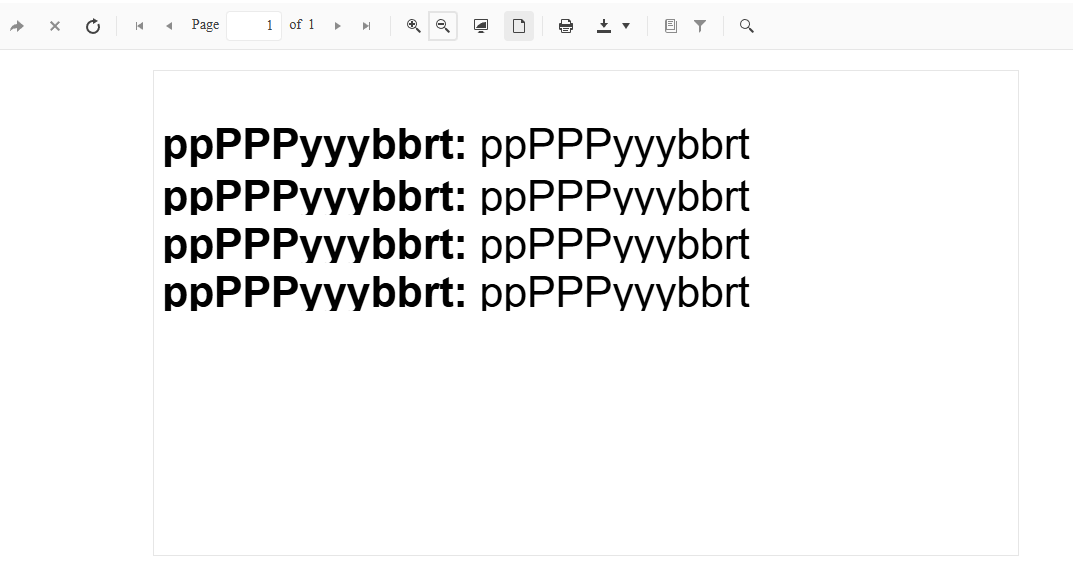
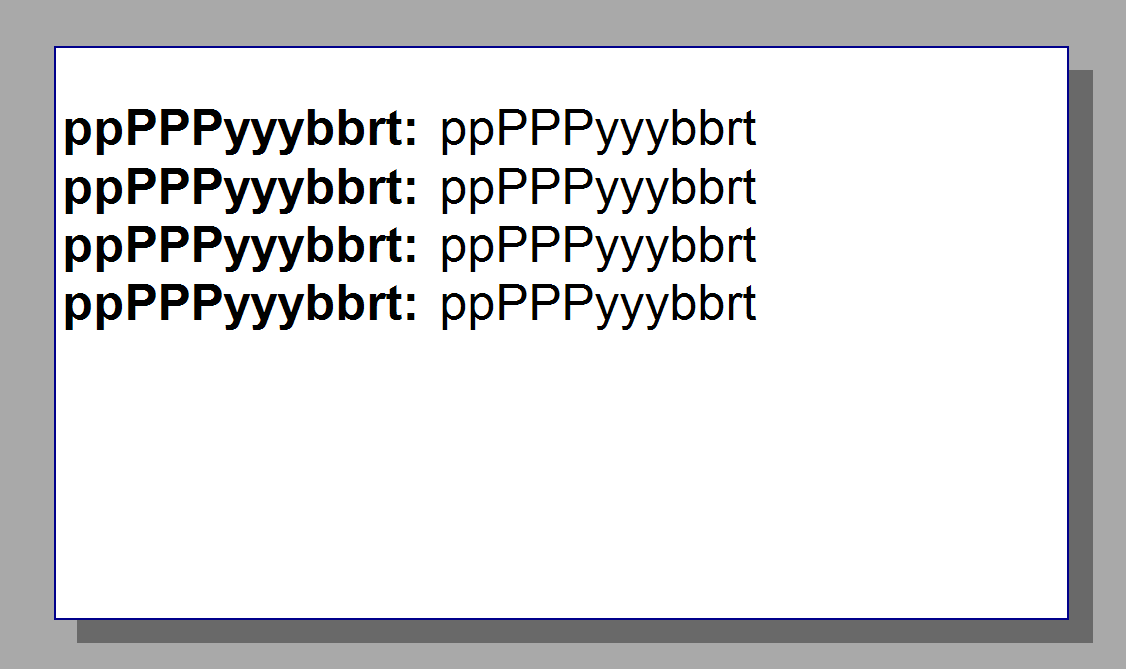
I noticed that some letters are cut off when viewing reports in the Web Report Viewers. The report displays correctly in the Standalone Report Designer and when printed. For example:
-
Web Report Viewer:
-
Standalone Report Designer:
Solution
To resolve the issue, adjust the size and properties of the TextBox controls in your report:
- Switch the measurement units for your report to pixels (
px). Using pixels minimizes inaccuracies that can occur when switching between units at runtime. - Increase the size of each
TextBoxelement to ensure adequate space for text rendering. - Set the
CanShrinkproperty of eachTextBoxtoFalse. This prevents the control from shrinking beyond the required dimensions for proper text display.