AutoCompleteTextView for Xamarin.iOS: Completion Modes
TKAutoCompleteTextView provides two completion modes:
-
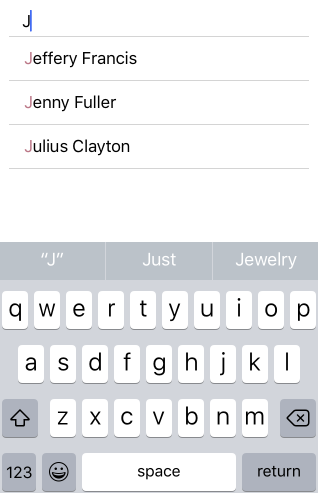
TKAutoCompleteCompletionModeStartsWith- returns suggestions that start with what the end-user has typed.
-
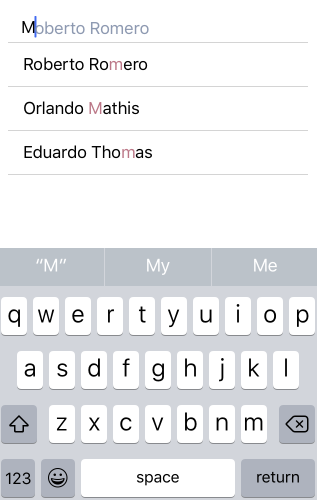
TKAutoCompleteCompletionModeContains- returns suggestions that contain what the end-user has typed.
They are accessible through the TLKDataSource. The default completion mode is TKAutoCompleteCompletionModeStartsWith.
this.Autocomplete = new TKAutoCompleteTextView(new CGRect(10, this.View.Bounds.Y + 10, this.View.Bounds.Size.Width - 20, 30));
this.AutomaticallyAdjustsScrollViewInsets = false;
this.Datasource = new TLKDataSource ();
this.Datasource.Settings.AutoComplete.CompletionMode = TKAutoCompleteCompletionMode.Contains;
//this.dataSource.Settings.AutoComplete.CompletionMode = TKAutoCompleteCompletionMode.StartsWith;